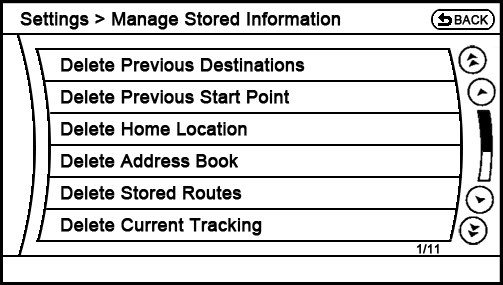
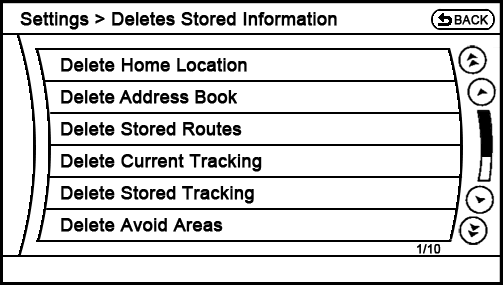
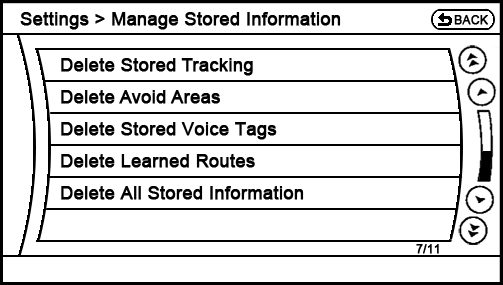
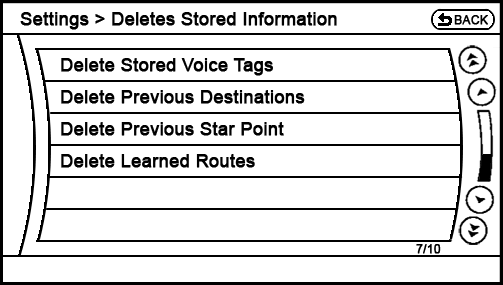
Additionally, I recommend changing 'Delete Learned Route' to Delete Learned Routes since the plural form of that label would be more consistent with the rest of this page, and the system is capable of storing multiple learned routes.
I also recommend adding a Delete All Stored Information button at the very bottom to streamline the driver's work if he/she wants to erase all variable data (which would come in handy if selling the vehicle or trading it in – the owner wouldn't have to select nine or more different settings to be assured that the car's computer had been wiped clean of personal information).
Finally, please note that the 2012 Navigation System Owner's Manual, on page 8-10, states that the driver uses this page to "Delete the stored location and home" (upper right of page). That's not a very clear description, considering one can also use the menu items on this page to delete the address book, stored routes, avoided areas, voice tags, etc.